
Using PageSpace as Memory for Your Coding Agent
Coding agents are stateless. Every session starts from scratch. Here's how to give them persistent memory with PageSpace and MCP — including cloud agents that intelligently retrieve the right context.
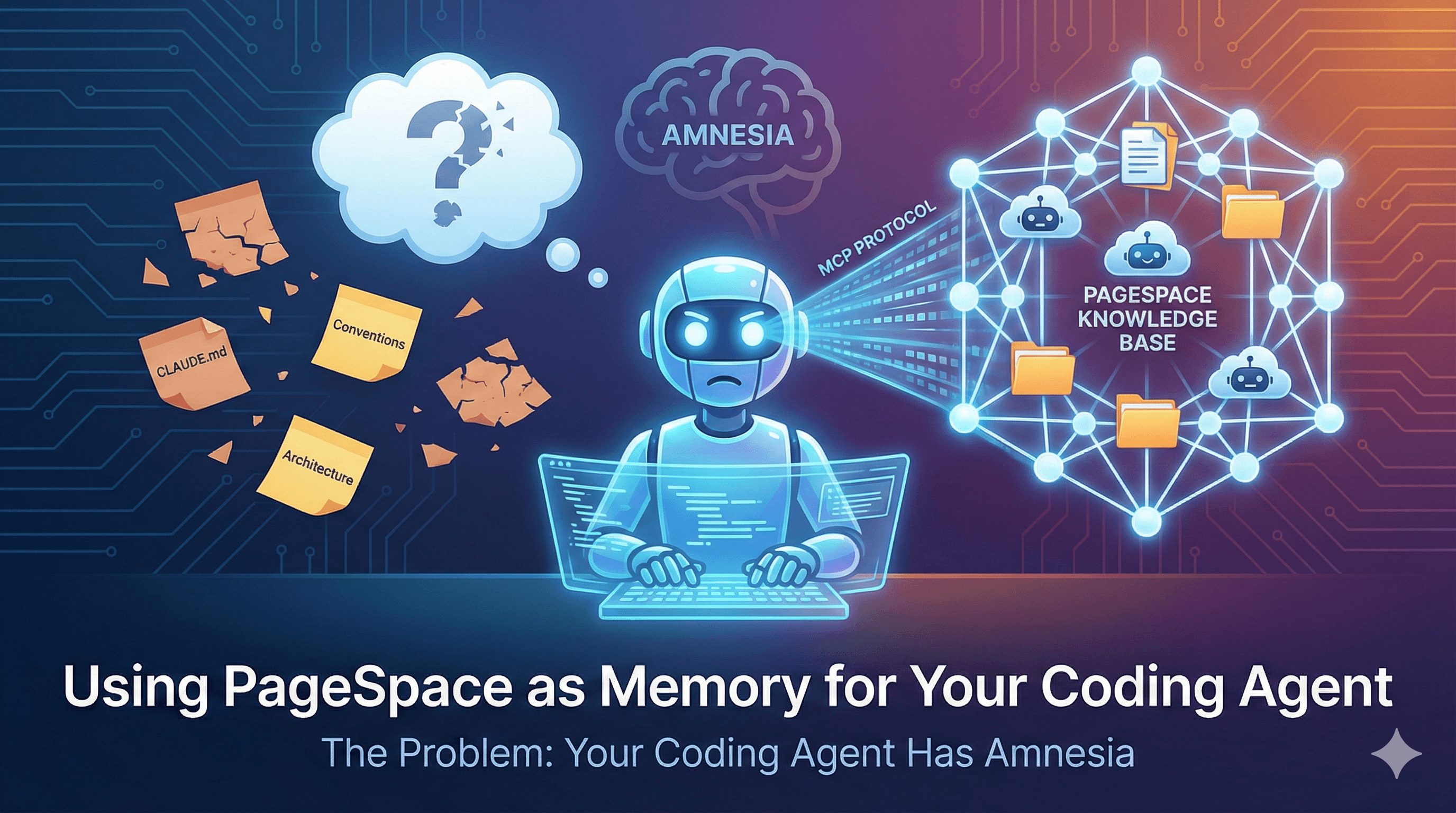
The Problem: Your Coding Agent Has Amnesia
Every time you start a new session with your coding agent, it forgets everything. The architecture decisions you explained yesterday. The conventions your team agreed on last week. The debugging session where you finally figured out that weird race condition.
You re-explain the same context over and over. You paste the same docs into chat. You point at the same files and say "remember, we do it this way."
CLAUDE.md files help — they give your agent a starting point. But they're static, local to one repo, and limited in what they can capture. They're a sticky note on the monitor, not a knowledge base.
What if your coding agent could actually remember?
What If Your Agent Had a Knowledge Base?
Imagine a persistent, organized workspace your coding agent can read from, write to, and search across. Not files buried in your repo — a structured knowledge system that:
- Persists across sessions — context survives after you close your terminal
- Works across projects — your React conventions apply whether you're in the frontend repo or the monorepo
- Shares across machines — same knowledge base on your laptop and your CI server
- Stays organized — not a flat dump of text, but a hierarchy of pages, folders, and agents
That's what PageSpace gives your coding agent.
PageSpace + MCP: The Connection
PageSpace publishes an MCP server — pagespace-mcp on npm — that exposes your knowledge base to any coding agent that supports the Model Context Protocol.
Install it, point it at your PageSpace instance with a token, and your coding agent gets direct access to search, read, and write pages in your workspace.
MCP is the protocol. PageSpace is the memory.
Setup
Add PageSpace to your coding agent's MCP configuration:
{
  "mcpServers": {
    "pagespace": {
      "command": "npx",
      "args": ["-y", "pagespace-mcp@latest"],
      "env": {
        "PAGESPACE_API_URL": "https://your-instance.pagespace.ai",
        "PAGESPACE_AUTH_TOKEN": "your-mcp-token"
      }
    }
  }
}
Generate an MCP token from your PageSpace workspace settings. The token is scoped to a specific drive, so you control exactly what your agent can access.
That's it. Your coding agent can now search your knowledge base, read pages, create new ones, and update existing content — all through natural tool calls.
The Real Differentiator: Cloud Agents
Here's where PageSpace goes beyond "document storage your agent can read."
PageSpace has page agents — cloud AI agents with custom instructions that live inside your knowledge base. They're not just documents. They're intelligent retrieval and processing layers that sit between your coding agent and your knowledge.
When your coding agent calls PageSpace via MCP, it can talk to these page agents. That means:
Smart retrieval, not keyword search. Instead of your coding agent trying to guess which document has the answer, it can ask a page agent: "What are our conventions for error handling in API routes?" The page agent knows the knowledge base, understands the question, and returns the relevant context.
Summarization on demand. A page agent can digest a 20-page architecture doc into the three paragraphs your coding agent actually needs for its current task.
Knowledge base maintenance. Page agents can organize incoming information. Your coding agent writes a raw note about a decision you made — a page agent files it properly, links it to related docs, and keeps the knowledge base clean.
Shared context across agents. Multiple coding agents — yours, your teammate's, your CI pipeline's — all read from and write to the same workspace. Page agents ensure consistency. One source of truth, many consumers.
This is the difference between giving your agent a filing cabinet and giving it a research assistant.
What to Put in Your Knowledge Base
Start with what you find yourself re-explaining to your coding agent:
- Architecture decisions and rationale — why you chose that database, why the auth works that way, why you split that service
- Coding conventions and patterns — how you structure components, naming rules, error handling patterns, test conventions
- API documentation — internal APIs, external integrations, authentication flows
- Debugging playbooks — "when X happens, check Y" knowledge that's hard to capture in code comments
- Meeting notes and decisions — the context behind the code, not just the code itself
- Project roadmaps — what's planned, what's in progress, what's blocked and why
The key insight: anything you'd explain verbally to a new team member belongs in your knowledge base. Your coding agent is a new team member every single session.
Security
Giving an AI agent access to your knowledge base requires trust in the access model:
- Drive-scoped tokens — each MCP token is scoped to a single drive. Your agent sees only what you explicitly share
- Audit logging — every read and write through MCP is logged
- Fail-closed permissions — if the token doesn't grant access, the request is denied. No fallbacks, no defaults
You control the boundary. The agent works within it.
Getting Started
- Create a PageSpace account and set up a drive for your project knowledge
- Add your architecture docs, conventions, and patterns as pages
- Create page agents with instructions tailored to your workflow
- Generate an MCP token and add the config to your coding agent
- Start a session and ask your agent to check the knowledge base
Your coding agent just got a memory. Use it.